![Yeti Support.png]](https://support.yetisoftware.com/hs-fs/hubfs/Yeti%20Support.png?height=40&name=Yeti%20Support.png)
Setting your seasonal period.
Head over to settings by selecting the gear icon found in the top right corner. Then select the button with the ruler and pen on it.
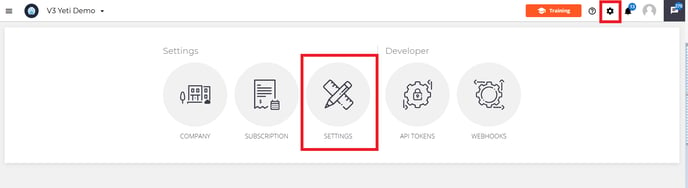
This will bring you over to the general settings page. Here you can set your seasonal period settings.
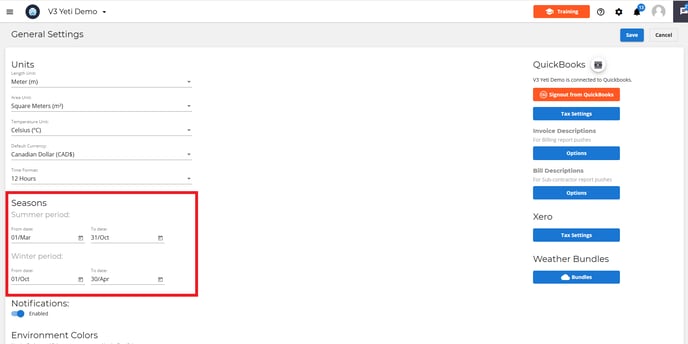
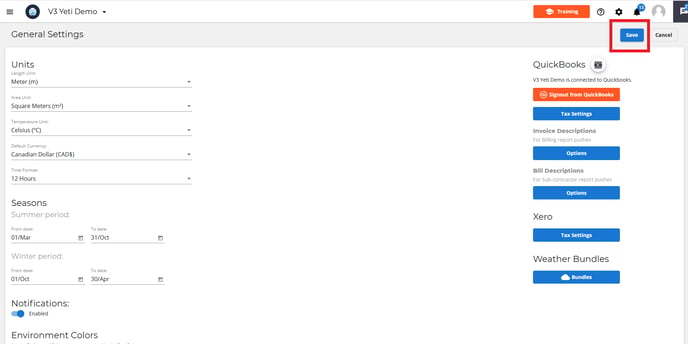
Choose what date each period starts and finishes at. Once your dates are set, hit save.
How to set the season for your route
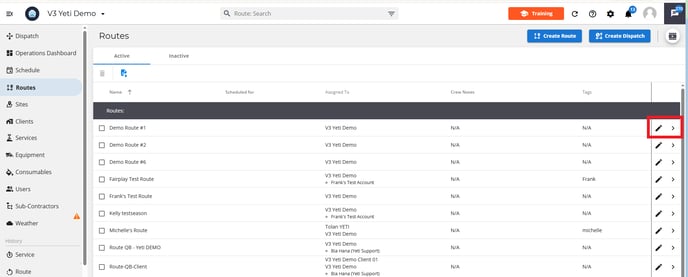
Head over to the route page. Select the pencil icon beside the route.
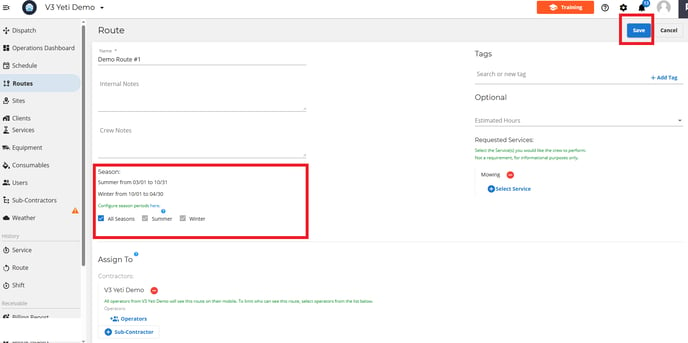
Head down to the heading season. Here you can choose if this route is visible all year around by selecting all season or choose one of the winter/summer period. Hit Save at the top of the page.
How do I check what season a route is currently set for?
Head over to the route page and select a route.
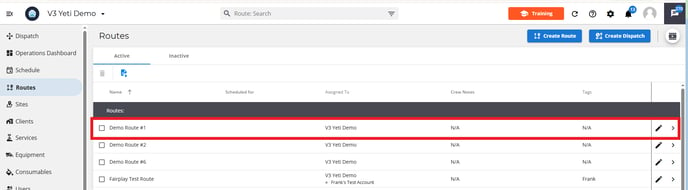
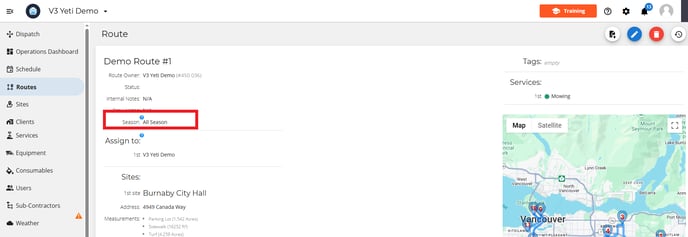
The routes page will open up and the season will be listed near the top of the page.