![Yeti Support.png]](https://support.yetisoftware.com/hs-fs/hubfs/Yeti%20Support.png?height=40&name=Yeti%20Support.png)
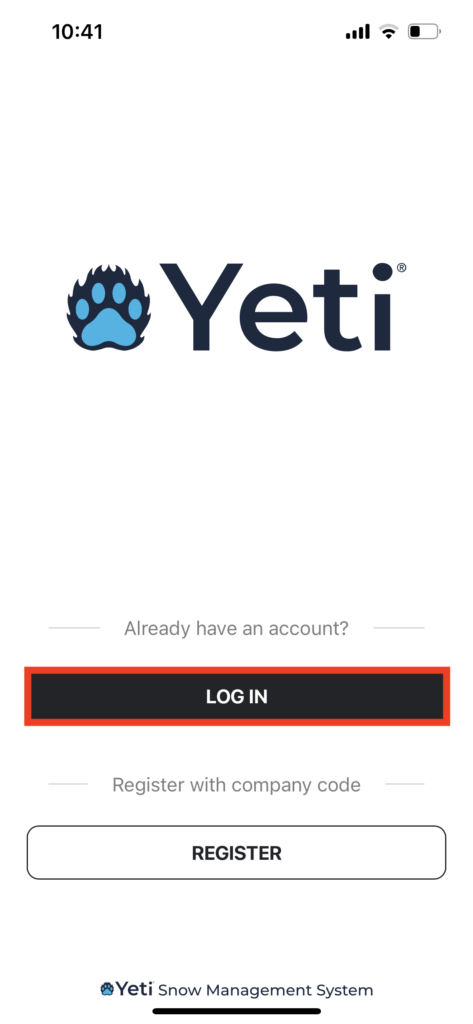
Open the Yeti app and click the ‘Log In’ button.
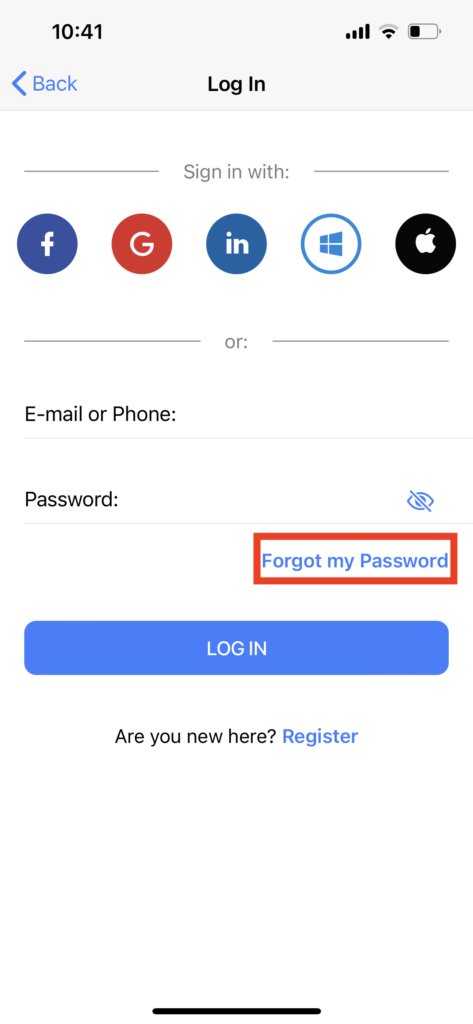
Click on ‘Forgot me Password’.
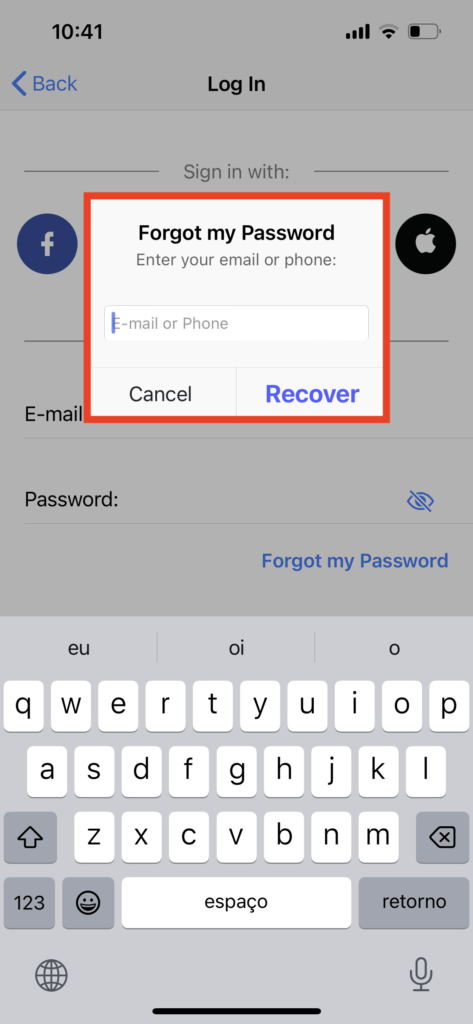
Enter your email or phone number and click on ‘Recovery’.
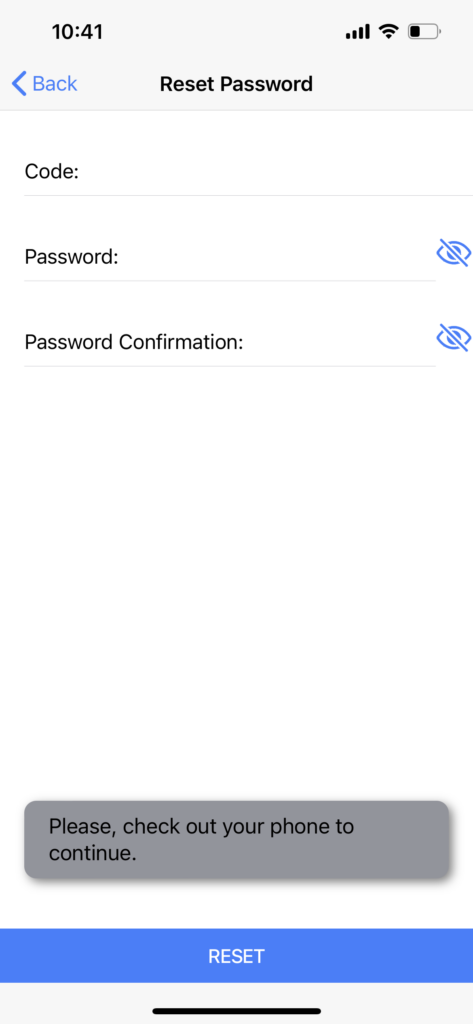
The code will be sent to you via email or SMS. Once you have entered the code and set a new password, click on ‘Reset’.
User passwords can be changed under certain conditions by other users. Click here to know how to change a user’s password.