![Yeti Support.png]](https://support.yetisoftware.com/hs-fs/hubfs/Yeti%20Support.png?height=40&name=Yeti%20Support.png)
Set the role for your user
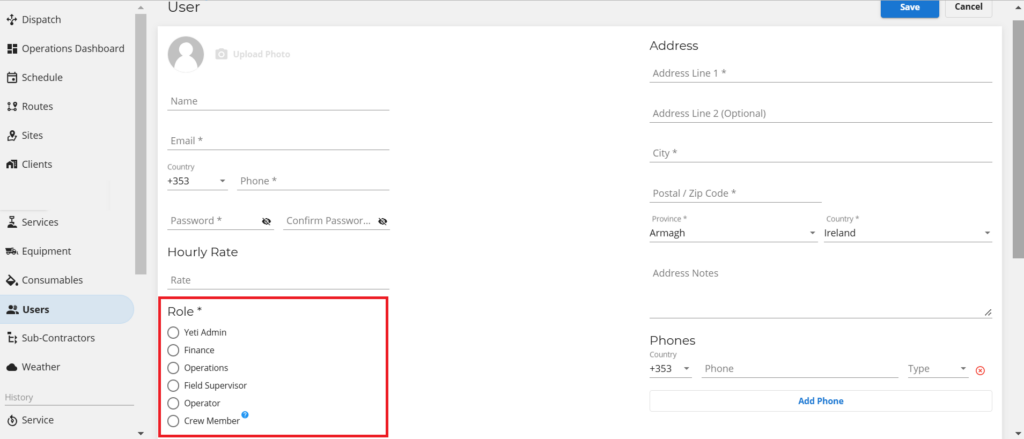
Yeti has seven types of users. In the web app, most users have their own views, but in the mobile app, everyone sees the same thing.
- Administrators have full access to the system and can change a user’s role. They are also the only users that can access the company settings in order to make any changes to General, Company and/or Subscription settings.
- Finance is responsible for reviewing the Billing Reports for the company’s clients and paying the Sub-Contractors. This person has access to all company pages except the Settings page.
- Operations manage routes, sites, services, equipment, and approve dispatch records. Operations access cannot view accountability reports, such as the Billing Report, Subcontractor Report, and Employee Timesheet Report.
- Field Supervisors can access the dispatch page. This includes creating dispatches and approving records. They can create users with the role of operator and crew member. They are blocked from reports, Contracts (Client and Sub-contractor), Sites, Services, Equipment and Consumables.
- Operators work on the Site using the mobile app and records the weather, temperature, snow depth, and photos of previous and present services, as well as the equipment and services provided. Since the operator uses the mobile app, access to the web app is limited.
- Crew members are the people who performs the work on the Site as assigned by the Crew leader, but do NOT use the mobile app and therefore, does not have access to log in Yeti web or app. The purpose of this role is to track work completed and work hours only. In this role, a crew member would be temporarily added to help during a big storm event, for instance.
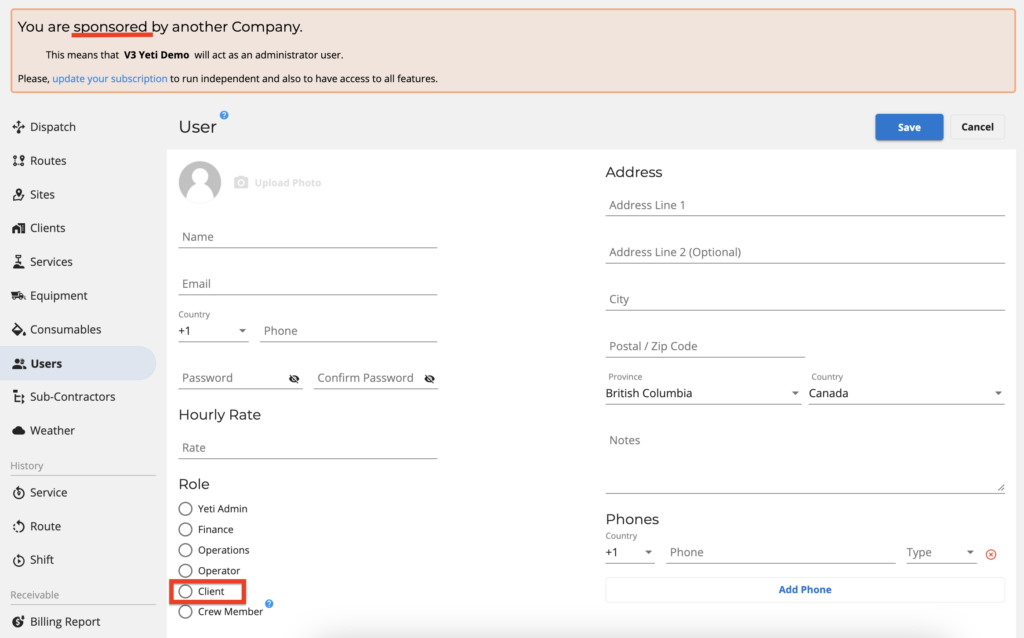
- Clients are your users’ clients with limited access. Only Sites and Service History Reports are available to them.
Clients need to be sponsored by you in order to be able to set the user as a Client. You can register a user with the role ‘Client’ by switching environments and accessing your Client’s Yeti page.